
Closed Captions in PowerPoint Live: Boost Accessibility in Microsoft Teams
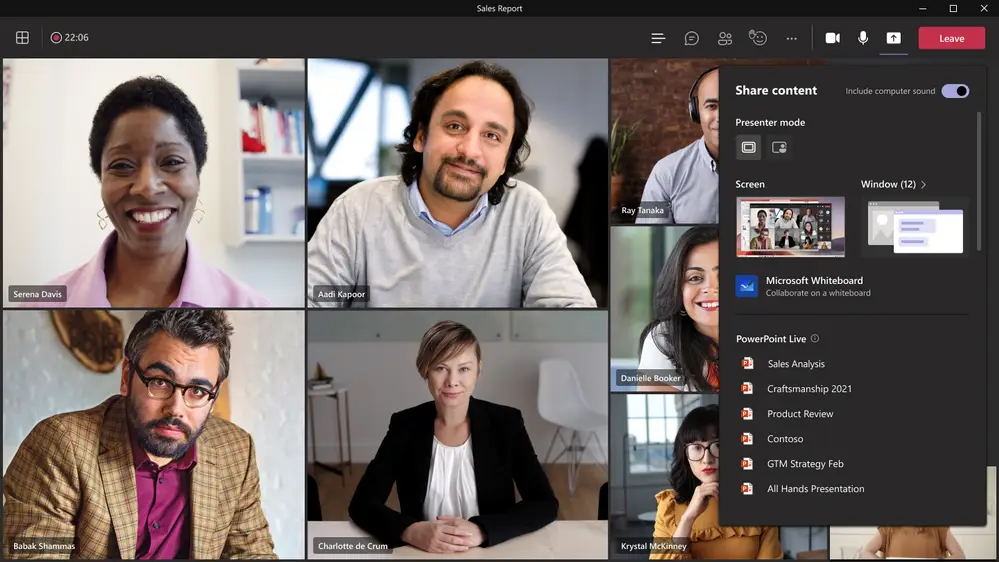
Microsoft has introduced a powerful accessibility feature in Microsoft Teams meetings called Closed Captions in PowerPoint Live. This feature aims to enhance accessibility for those who are Deaf or hard of hearing, have difficulty processing auditory information, have a language barrier, or are simply joining the meeting from a loud environment. Closed Captions will help […]
Microsoft Teams Video Filters Are Now Generally Available
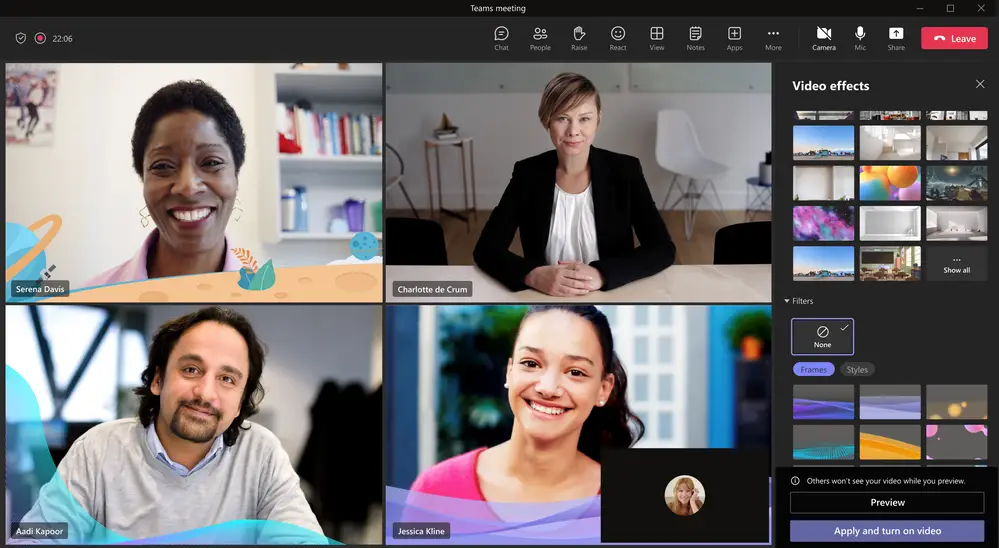
We’re thrilled to announce that Microsoft Teams has generally released video filters in meetings! Microsoft understands that you want to be fully engaged in meetings but may not always have the time to get camera-ready. That’s why they’re now offering AI-powered capabilities that allow you to soften your appearance and add backgrounds in Microsoft Teams. […]
How to Map a Network Drive: Creating a Shared Network

Shared networks are extremely common among businesses, as they allow your employees to access important company documents much more efficiently. Your IT department may have set up a shared network for your organization, without you even realizing it. Knowing the workings of shared networks and how to map a network drive on your device is […]
How to Add a Watermark in Microsoft Word

Adding a watermark to a document is a great way to very visibly share a message about the contents of that document. Microsoft Word makes it pretty easy to do it yourself and leverage the associated benefits. Below, we explain how. Why They Work Watermarks are effective for a lot of the same reasons that […]
Point of Sale Breach: What Saks and Lord & Taylor Teach
Saks Fifth Avenue and Lord & Taylor are among the most recognizable names in retail, but they became unwilling additions to a growing list of major businesses hit by cyberattacks. Their parent company, Hudson’s Bay Company, confirmed that point-of-sale (PoS) systems across dozens of locations had been compromised, resulting in the potential exposure of payment […]