
We’re thrilled to announce that Microsoft Teams has generally released video filters in meetings! Microsoft understands that you want to be fully engaged in meetings but may not always have the time to get camera-ready. That’s why they’re now offering AI-powered capabilities that allow you to soften your appearance and add backgrounds in Microsoft Teams. And now, with the introduction of video filters, you can remove unwanted distractions and express your unique personality in each meeting.
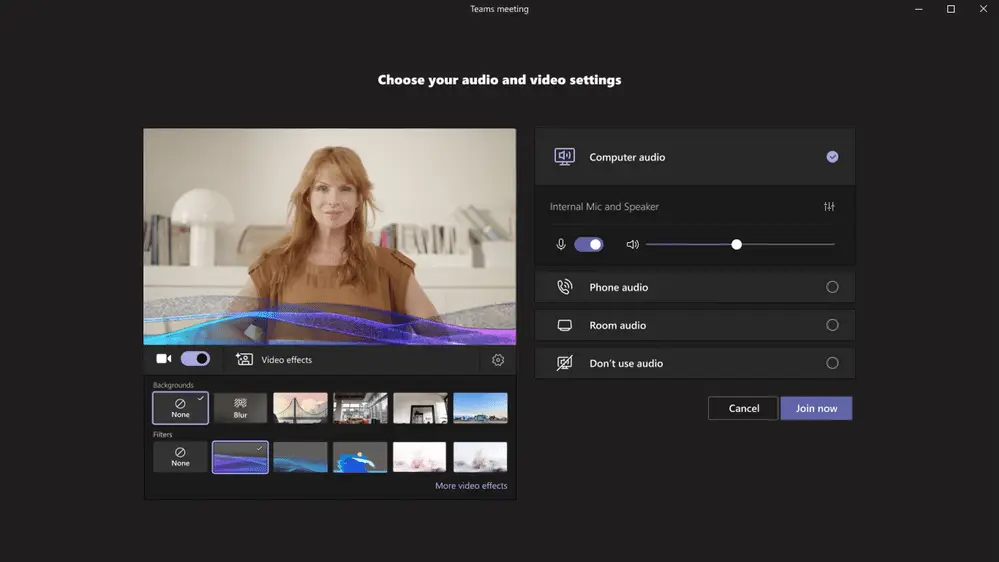
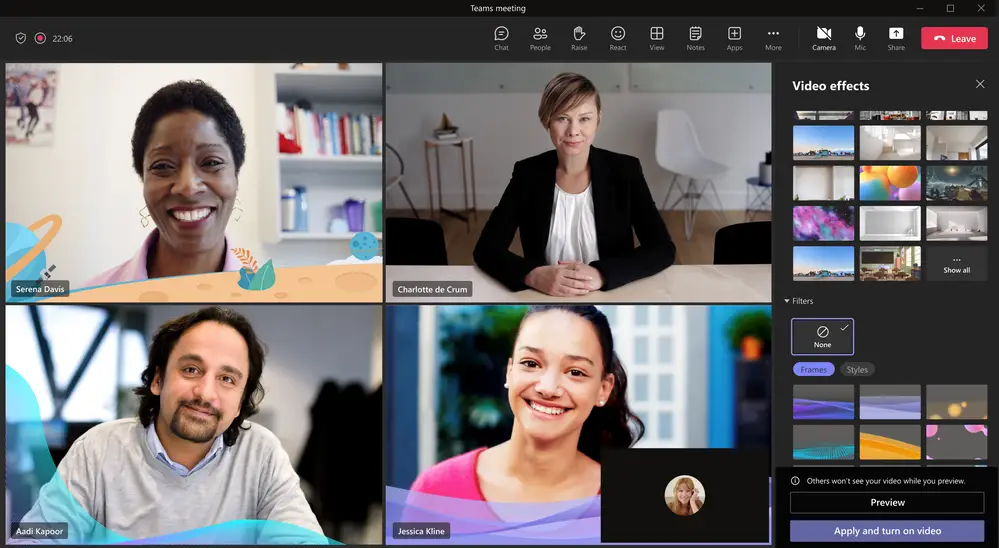
Video filters in Teams Meetings allow participants to enhance their video stream with a range of visual effects, from animated frames to changing the video’s hue. You can even apply these filters before joining a meeting from the lobby. These filters are provided as apps that can be added to your meeting experience via the Teams Platform infrastructure. Microsoft is launching the filters with a first-party app called Custom Filters, but more apps will be available soon.
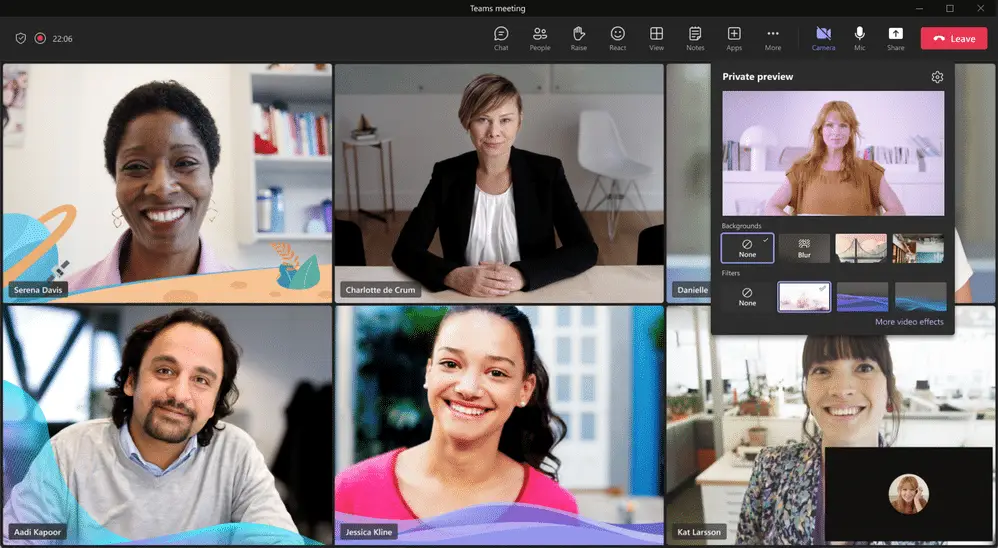
Microsoft continues to be a privacy-first company. They assure you that your privacy and compliance are top of mind. Tenant admins can enable or disable the availability of video filter apps, but these apps are enabled by default. The admin cannot pre-install these apps as they require explicit user consent. Before using the filters, you must provide explicit consent to the app to access your video feed. You can turn off the video filters in Teams by uninstalling the filter app.
Please note that initially, these filters are only available from a desktop and are not available in EDU tenants. We’re excited to see how video filters can enhance your Teams Meetings experience!
Make the Most of Every Microsoft Teams Meeting
Video filters are just one example of how Microsoft continues to build out Teams as a full-featured collaboration platform. From Microsoft 365 integrations to AI-powered meeting tools, there’s always something new to help your team work smarter. If your organization is looking to get more out of Teams, whether through better meeting experiences, tighter security controls, or a smoother rollout of new features, WheelHouse IT can help.
As a certified Microsoft partner, our team stays current on every Teams update so you don’t have to. We handle the configuration, the admin policies, and the user adoption so your people can focus on the meeting, not the settings. Ready to see what a fully optimized Microsoft 365 environment looks like for your business?
Let’s Talk Microsoft Teams
Whether you need help rolling out new features or want a full Microsoft 365 deployment, WheelHouse IT has you covered. FL: (954) 474-2204 | NY: (516) 536-5006