The impact of COVID-19 has dramatically changed how we work today, with a monumental number of organizations working from home. While physical meeting rooms may not be a focal point for many right now, there are still organizations and industries whose essential workers continue to rely on these spaces during this time. We also recognize the vital role Microsoft Teams Rooms will play when organizations return to work. To this end, we want to share the latest update for Microsoft Teams Rooms, app version 4.4.41.0, now available on the Windows store and coming to every Microsoft Teams Room over the next few weeks.
This release contains the following features:
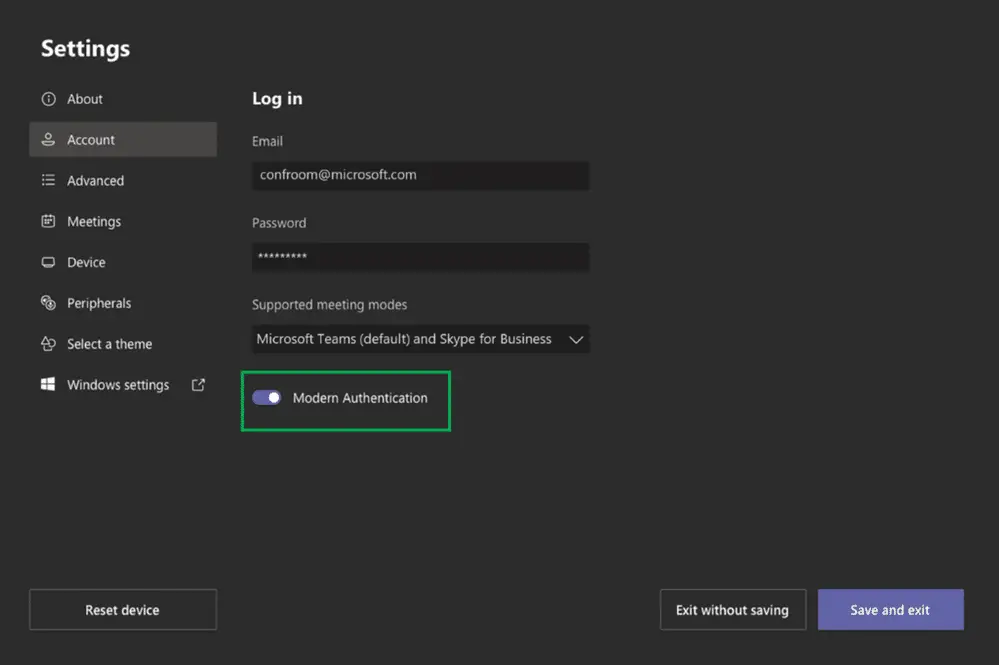
Modern Authentication Support
Microsoft Teams Room administrators can now configure Microsoft Teams Rooms to use modern authentication to connect to Microsoft Exchange, Microsoft Teams, and Skype for Business services. Although Microsoft Teams Rooms already communicate over encrypted channels (such as TLS 1.2), using modern authentication reduces the need to send passwords over the network, leveraging tokens provided by Microsoft Entra ID. To help reduce the potential attack surface, Microsoft Exchange Online has been moving away from basic authentication, as it makes credentials more vulnerable to interception and credential re-use attacks. Modern authentication support for Microsoft Teams Rooms will help ensure business continuity for your devices connecting to Exchange Online.
In light of COVID-19, and to reduce potential impact for existing on-premises customers who may need time to plan and implement hybrid modern authentication, turning on modern authentication will be manual. To learn more about how to set up and use modern authentication, follow the guidance published in Authentication in Microsoft Teams Rooms.
Application Splash Screen
The new application splash screen improves the startup experience when a Microsoft Teams Room device wakes up from an idle state or the device reboots. This provides end users with a more visually appealing experience while the device loads.

Project Content to One or Both Front of Room Displays
For configurations with dual front of room displays, this update now provides the flexibility to project content to only one display when using an HDMI cable to present outside the context of a meeting. Meeting Room administrators can apply this setting via an XML configuration file. Learn more about using the XML configuration file in the documentation titled Manage a Microsoft Teams Rooms Console Settings Remotely with an XML Configuration File.
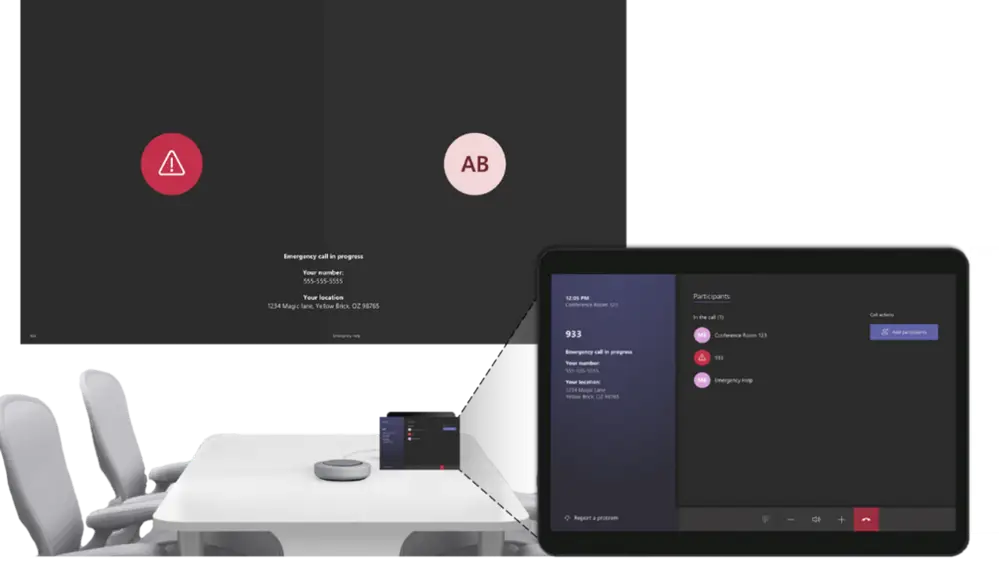
Support for Dynamic Emergency Calling for Microsoft Teams
Microsoft Teams Rooms now supports dynamic emergency calling and provides an updated calling experience tailored to emergency policies set by Microsoft Teams administrators. During an emergency call, both the console and front of room displays will show the phone number and location associated with the Microsoft Teams Room. Using emergency policies configured by Microsoft Teams administrators, the emergency call can be routed to specific emergency numbers. Learn more about emergency calling in Plan and Manage Emergency Calling.
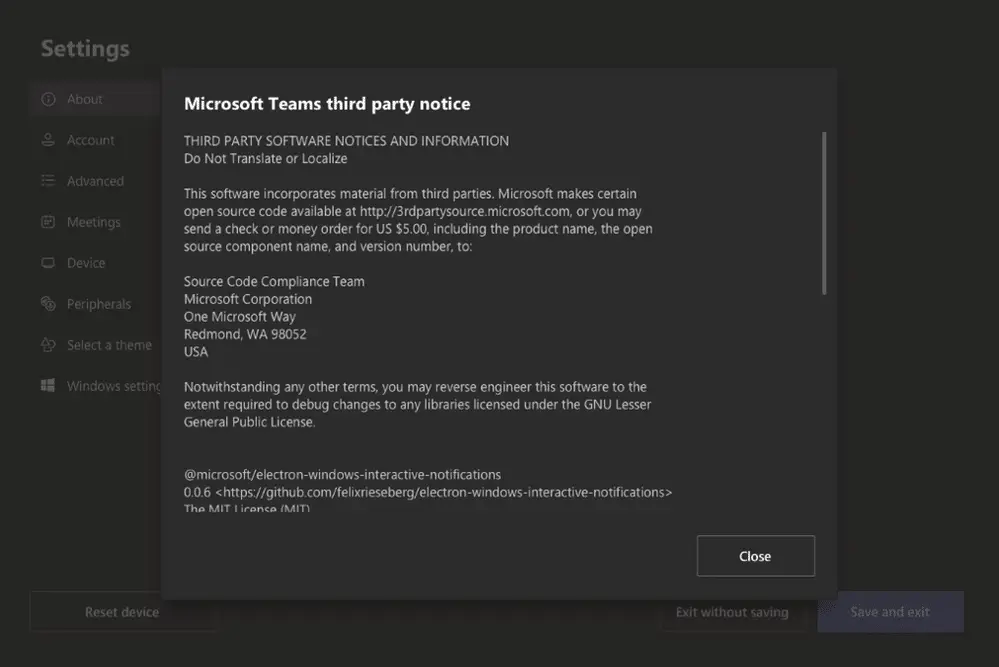
Open Source Software (OSS) Notices in Device Settings
Room administrators can now easily access Microsoft Teams third-party software notices on the Microsoft Teams Room console. Administrators can see these notices in Settings, under the About tab. Notices can also be viewed through the Microsoft Teams desktop application.
For organizations that rely on Microsoft 365 across their workforce, keeping collaboration tools like Teams Rooms updated ensures employees always have access to the latest security features and productivity enhancements. If your business is evaluating how to better manage Microsoft Teams Rooms across multiple locations, WheelHouse IT can help design and support a scalable modern workplace environment that keeps every room ready to collaborate.
By: Microsoft Teams Team, Microsoft
Keep Your Microsoft Teams Rooms Running at Peak Performance
Microsoft Teams Rooms updates like this one reflect how quickly the collaboration landscape evolves. Modern authentication, smarter display control, and dynamic emergency calling are not just feature additions; they are the foundation of a secure, reliable meeting room environment. Staying current on these updates is especially important for organizations in healthcare, legal, and professional services, where downtime and security gaps carry real consequences.
WheelHouse IT helps businesses across South Florida and New York stay ahead of Microsoft Teams updates as part of a fully managed Microsoft solutions strategy. Whether you need help deploying Teams Rooms across multiple offices, tightening security configurations, or ensuring your security and compliance posture is up to date, our team is here to help.
Ready to get more out of Microsoft Teams Rooms? Contact WheelHouse IT today.
Let’s Talk About Your Microsoft Teams Environment
WheelHouse IT | FL: (954) 474-2204 | NY: (516) 536-5006