Microsoft Teams is your hub for teamwork. It’s where you can find your colleagues, create, collaborate, and communicate—all in one place. In 2018 Microsoft released Visio for Microsoft Teams which makes it possible to save a Visio file and view and edit it within Teams. For businesses already working inside the Microsoft Modern Workplace, this integration keeps your entire team on the same page without ever switching apps.
{% video_player “embed_player” overrideable=False, type=’scriptV4′, hide_playlist=True, viral_sharing=False, embed_button=False, autoplay=False, hidden_controls=False, loop=False, muted=False, width=’640′, height=’360′, player_id=’28812858001′, style=’margin: 0px auto 10px;’ %}
Anyone with a Microsoft 365 subscription can view Visio files, and anyone who has a Visio Plan 1 or Visio Plan 2 license can edit the files right within Teams. This means that if someone shares a diagram with you, you can view the file immediately without having to switch apps.
Teams is available on Windows, macOS, iOS, and Android, so it can be at your fingertips no matter what device you’re using.
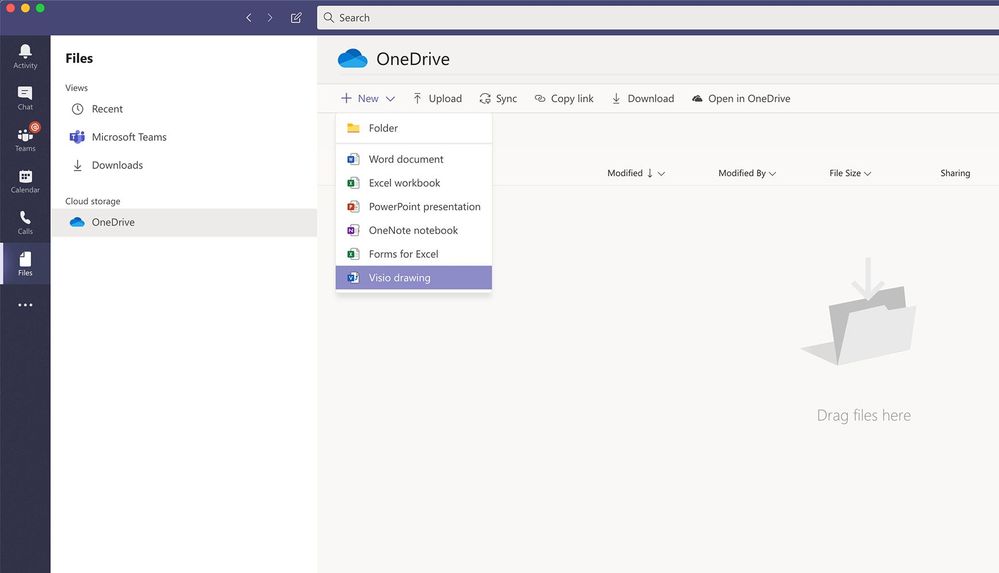
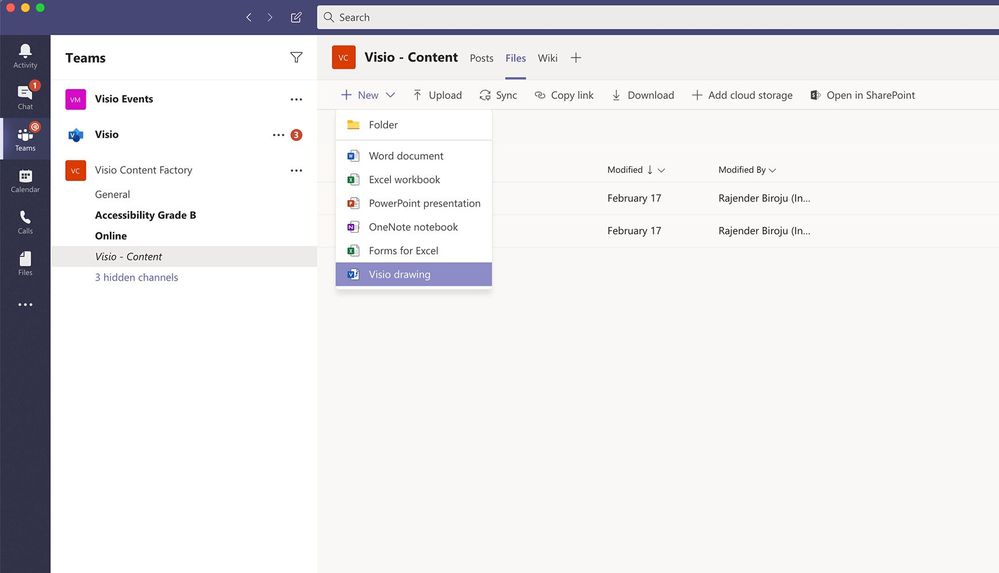
Now, Visio Plan 1 and Plan 2 users can also create new Visio diagrams right from within Teams.
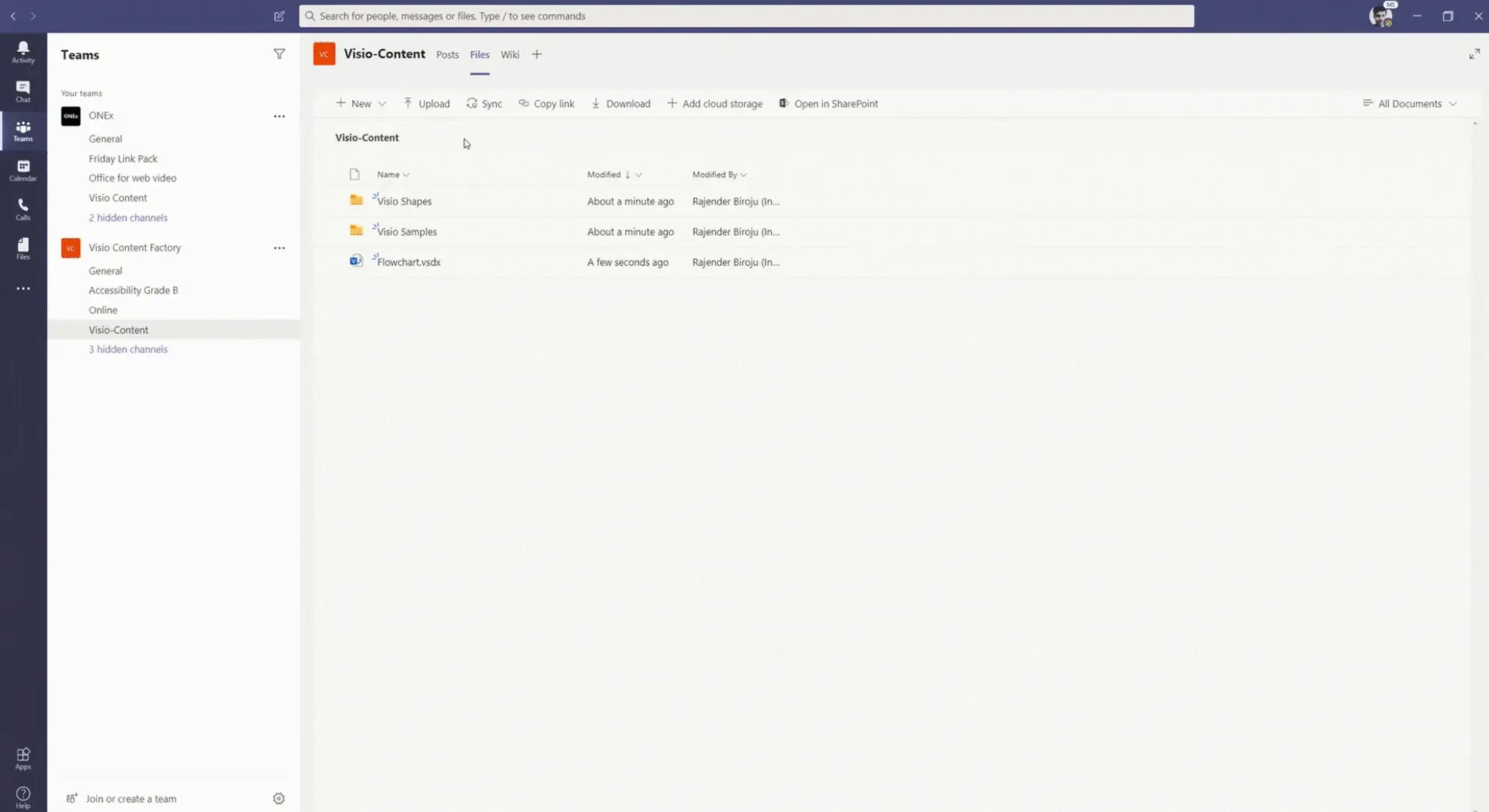
Create a new diagram by using the Files tab of any channel: