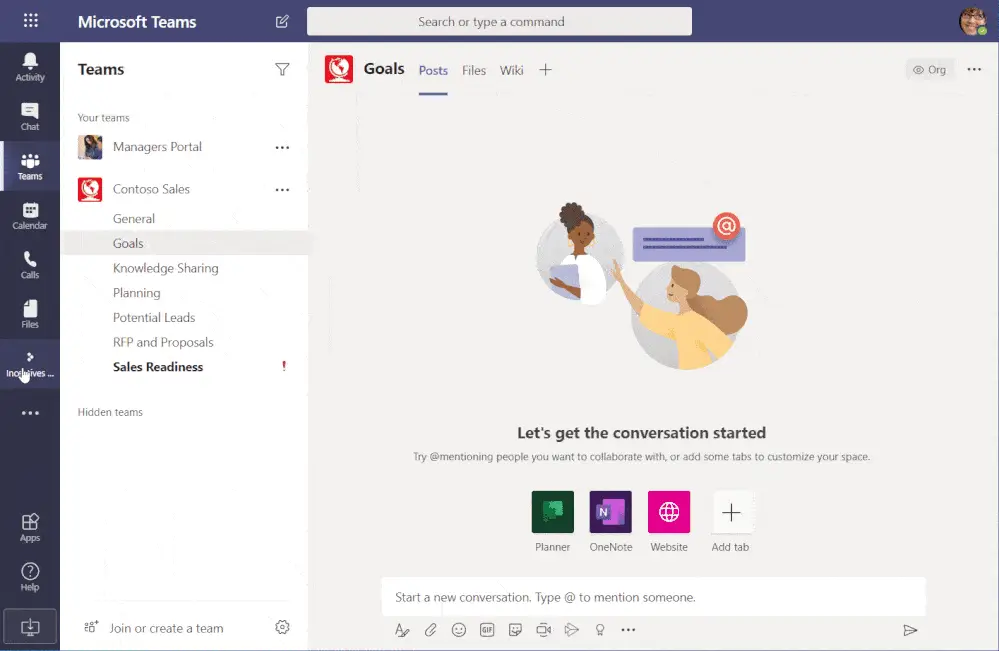
You’re looking to incentivize behaviors and encourage your employees as part of an organizational change management strategy. The Incentives App template for Microsoft Teams lets you gamify adoption and change management activities.
You might be asking how gamification can help your team with organizational change management. As organizations become more focused on business objectives, gamification can make the workplace more engaging and productive — it changes the rules of engagement and inspires employees to change behaviors as a result.
The ability to be recognized for achievements — however big or small — is universal. The recognition may be a position on the leaderboard, small monetary rewards (gift cards, free coffee, etc.), or perhaps lunch with a dynamic leader of the organization. Incentives Power App can be used for rewarding employees for learning new skills to be more productive, which ultimately impacts the entire organization.
Microsoft has rolled out an Incentives Power Apps based template that allows management and tracking of incentives to encourage employee participation in desired activities. As with all other app templates, this is an open-source, production-ready app template that can be deployed quickly to complement your adoption and change management activities.
Using the Incentives app template in Microsoft Teams, admins can establish adoption activities with points, assign points for completion, create rewards, and specify required eligibility point levels for rewards.
Employees can use the app to view their accumulated points, track their position on a leaderboard, and — upon reaching eligibility — request and claim rewards.
As an example, let’s say you use this for rolling out Microsoft Teams within your organization. You can create activities like “Attend a training,” “Join a live event (town hall) about the upcoming changes,” “Mentor a co-worker,” and so on. On completion of each activity, users can collect points and compete for a position on the leaderboard.
Teams was used as an example here — but this app can be leveraged for coordinating any other system or process change, such as a new HR system, switching to new project management templates, or even as part of a go-green initiative. The key is remembering that this is a tool to set up the activities and behaviors you want to encourage. Don’t forget to provide the right level of motivation — leaderboard rankings, physical gifts, recognition amongst executives — for your employees. After all, you know your team best!
The app is built using Power Apps with SharePoint as the backend. All activity and rewards configuration is stored in SharePoint lists. The “Admin” view within the app provides the ability for program owners to set up activities and rewards directly from within the app. Since this is built using Microsoft’s no-code/low-code Power Platform, it lends itself really well to branding or functional changes.
Test drive the app template on GitHub and check out the full catalog of production-ready app templates at Microsoft Learn — or schedule a full demo with WheelHouse IT, a premier Gold Microsoft Partner.